How to get started with WordPress hosting: beginner guide
Get started with WordPress hosting step by step: pick a plan, create your account, open the hosting panel in one click and learn the site Overview page.

Blog
Short, practical guides for your site: domain, SSL, backups, email, security and speed — step by step in your hosting panel.
Get started with WordPress hosting step by step: pick a plan, create your account, open the hosting panel in one click and learn the site Overview page.
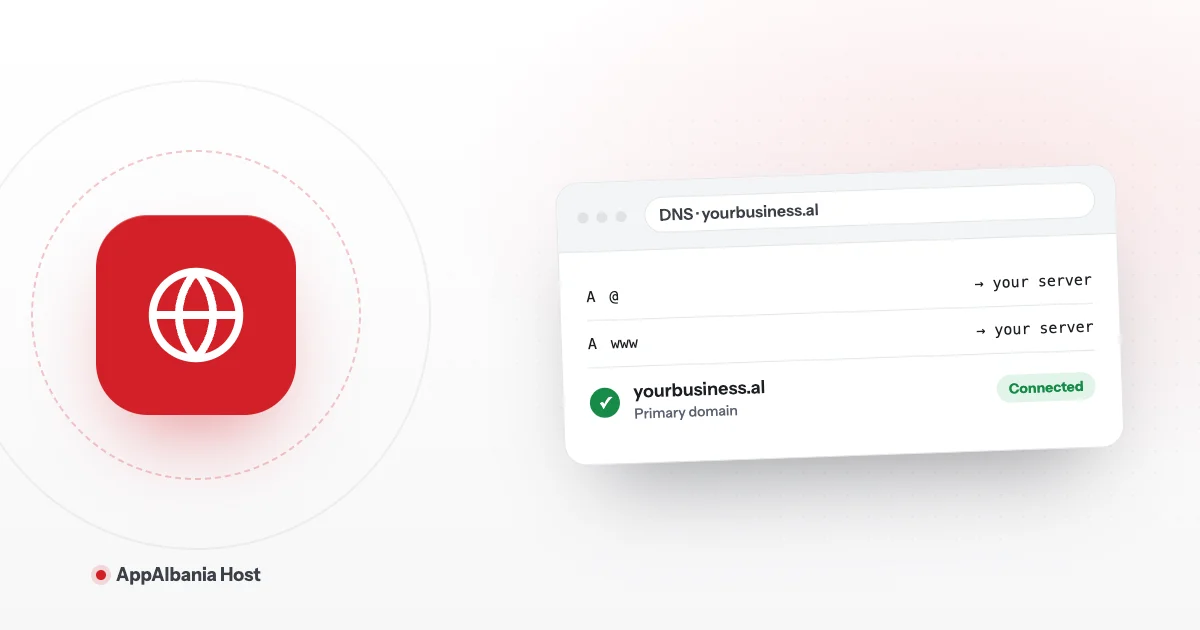
Connect your domain to WordPress hosting step by step: create A records for @ and www, check the domain in the panel, set the www redirect and turn on SSL.
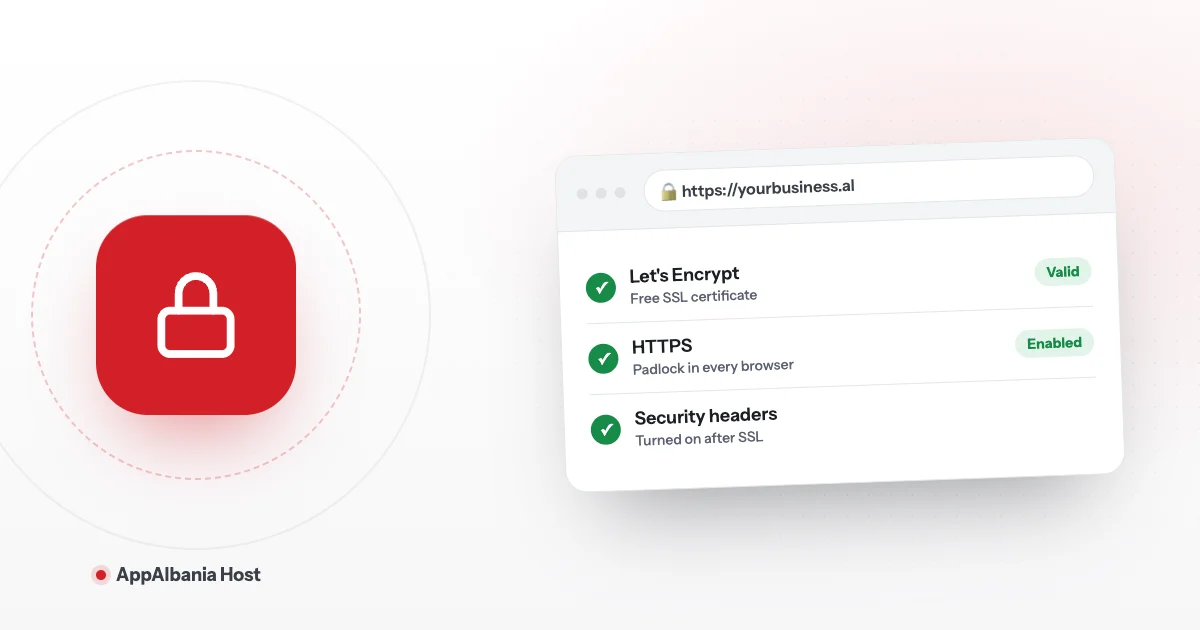
Step-by-step guide: enable a free Let's Encrypt SSL certificate on WordPress, switch your site to HTTPS and know what to do once it is live.
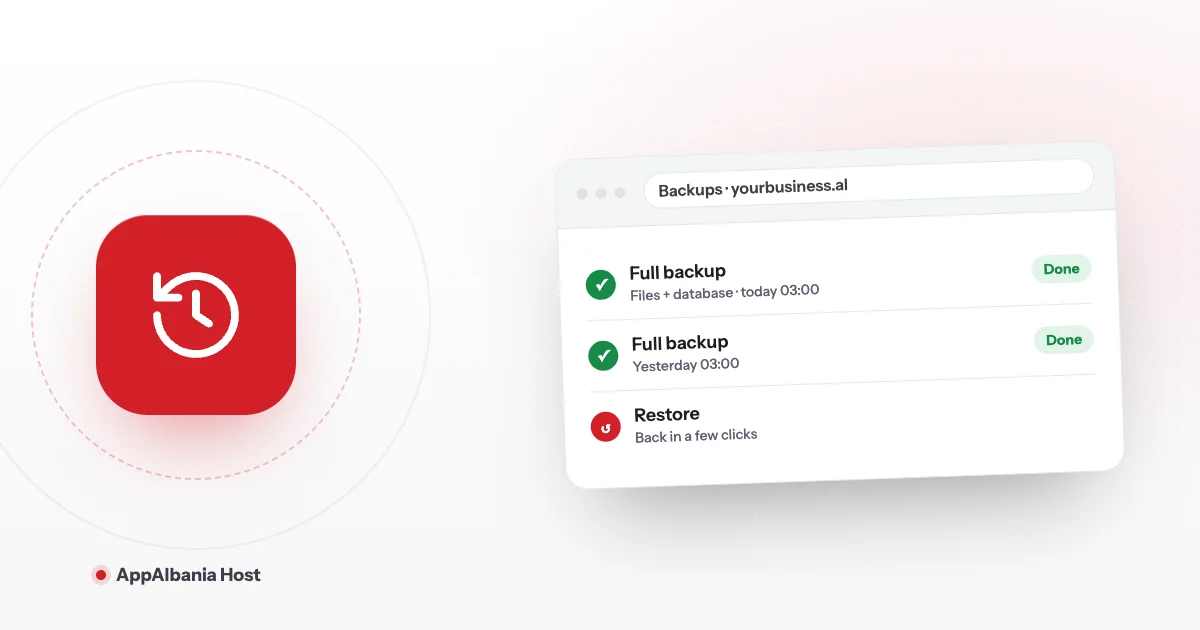
WordPress backups on AppAlbania Host: connect Amazon S3, Cloudflare R2, Wasabi or any S3 storage, keep copies off-server and restore your site anytime.
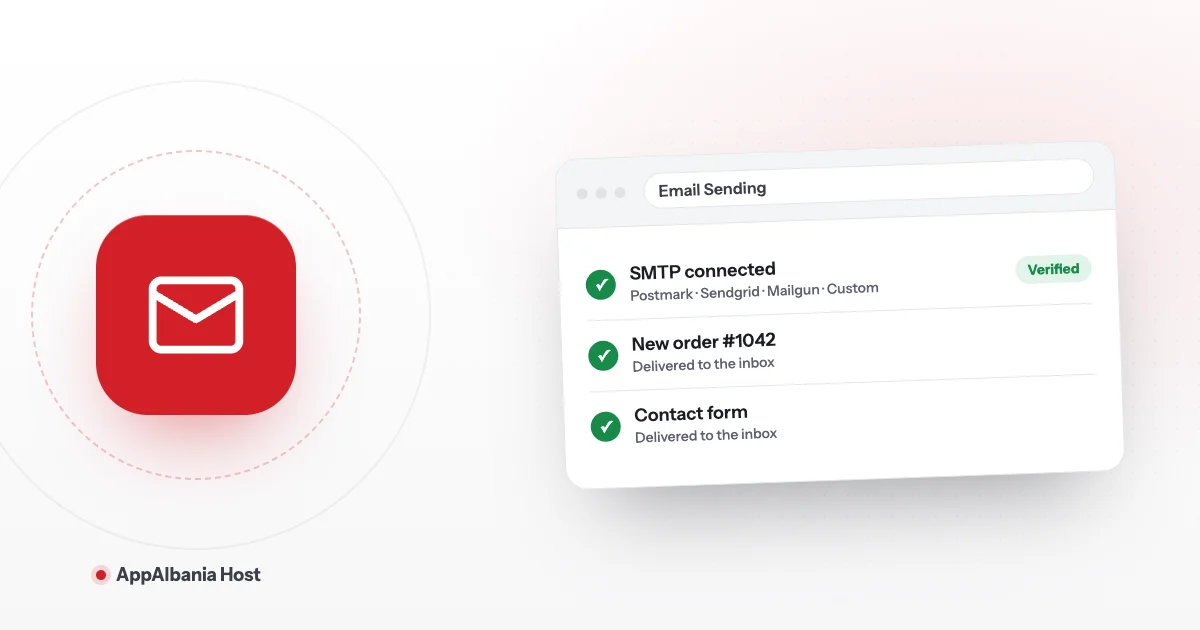
WordPress emails landing in spam? Connect SMTP with Postmark, Sendgrid, Mailgun or your own server straight from the panel, with no extra plugin.
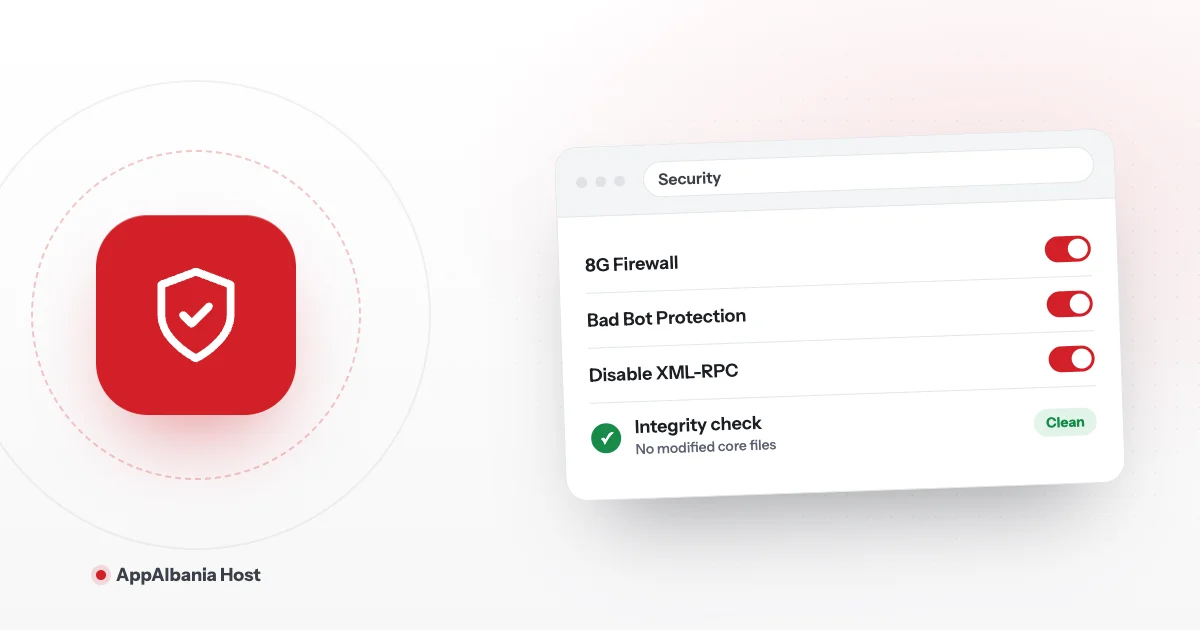
Protect your WordPress site from the panel: 7G/8G firewall, bad bot blocking, XML-RPC, site password, vulnerability scanner and integrity checks.
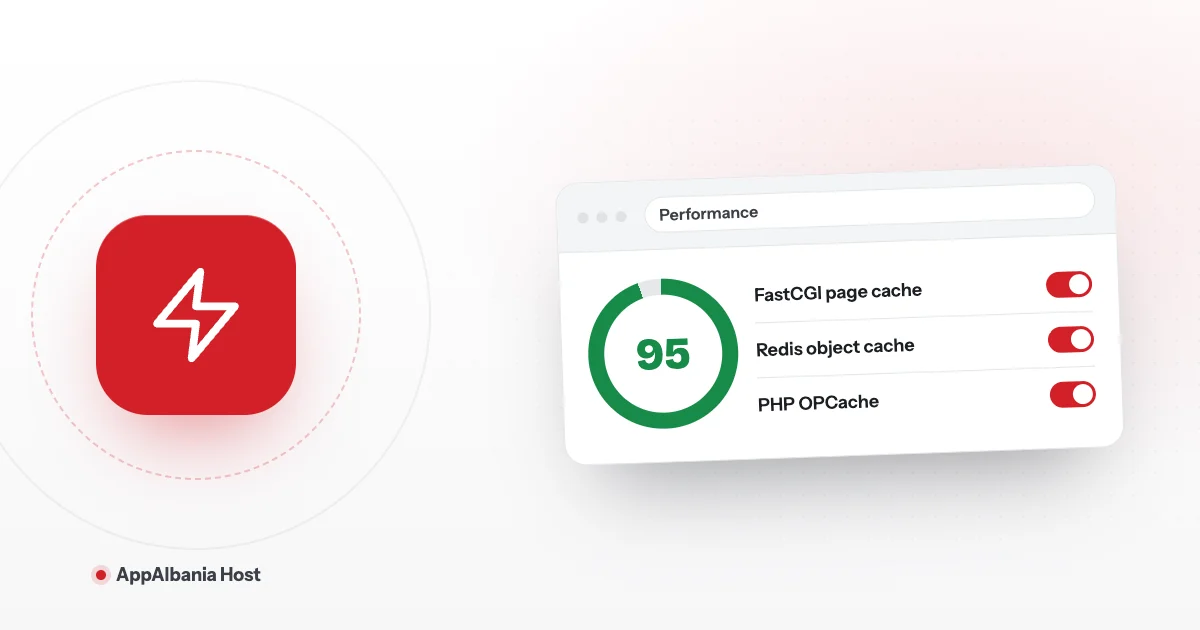
Speed up your WordPress site from the panel: FastCGI page cache, Redis object cache, OPcache, PHP version and Core Web Vitals, step by step, no code.
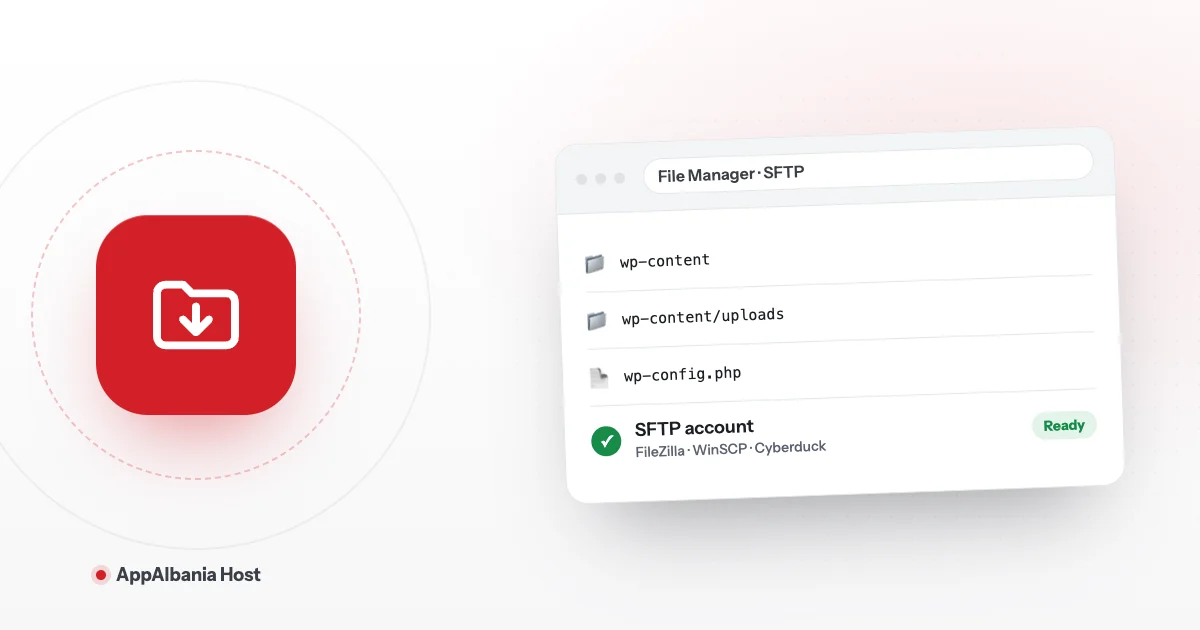
Manage your WordPress files with the browser File Manager or with SFTP and FileZilla. Create an SFTP account in the panel and connect step by step.
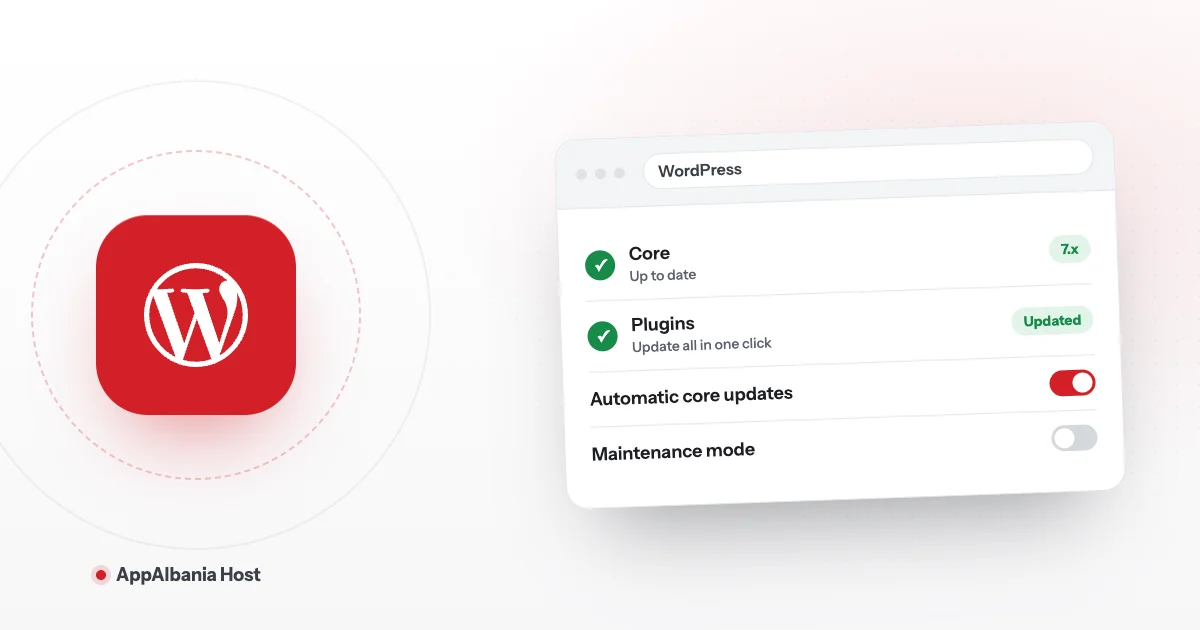
How to manage WordPress from the hosting panel: one-click WP Admin login, bulk updates, users, WP Config, cron, redirects and maintenance mode.
White screen, 500 error, slow site, email not sending or can't log in? A calm WordPress troubleshooting checklist using your hosting panel tools.