
Chapter 14 of 15
Support and migration
How to open a support request, what to include so we can help quickly, how to request free site migration, and how to contact us.
In this guide
If something is not working or you have a question, we are here. This chapter shows how to write to us, what information to give, and how to request free migration of an existing site.
Open a support request
A support request (ticket) is a conversation with our team that is kept in your account, with the full history of replies.
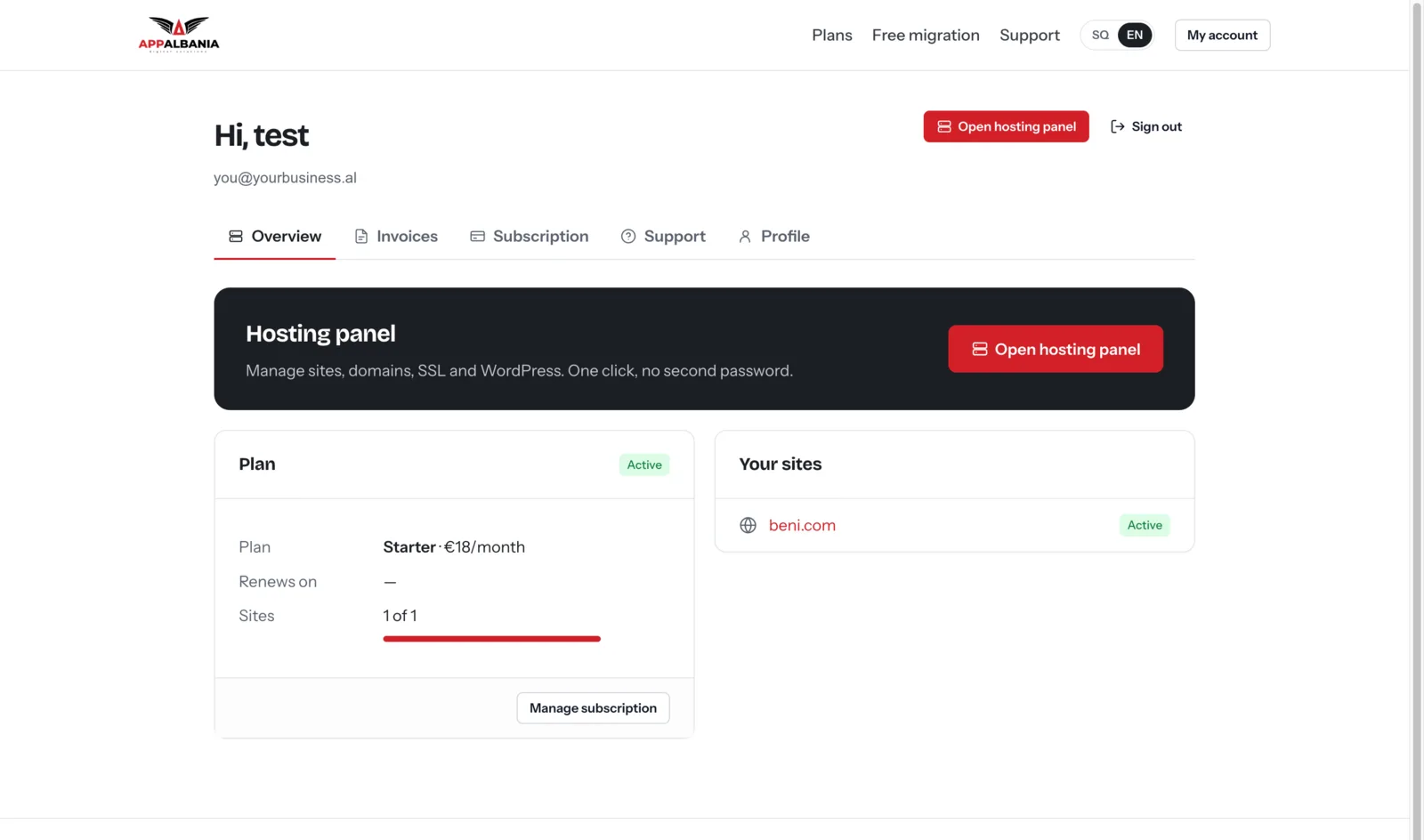
- Sign in to your account and open the Support tab. There you see your list of requests and past conversations.
- For a new request, go to host.appalbania.com/support. The form also works if you are not signed in.
- Describe the problem (see below for what to include) and send it.
- You find our replies in the Support tab, in the request's conversation. You can continue the conversation there.
What to include in your request
The clearer the message, the faster we can solve the problem. Include:
- The domain of the site in question.
- What happens and what you expected to happen.
- When it started and what you changed just before (a new plugin, an update, a DNS change).
- The error message exactly as shown, or a screenshot.
- The relevant log lines, if you looked at them. See Troubleshooting and logs.
- What you already tried, for example Clear Cache or Restart PHP.
Never write passwords in a request or an email. We do not need your account password.
Tips for a faster solution
- One request per problem. If you have two different problems, open two requests. That way neither gets lost among the replies.
- Continue in the same conversation. For the same problem, write in the existing request in the Support tab rather than opening a new one.
- Tell us when it is solved. If the problem goes away or you fix it yourself, send us a line. It helps us close the case.
- For payments and your plan, check the Invoices and Subscription tabs in your account first; you can do many things there yourself.
Check yourself before writing
Some questions have quick answers in this manual:
- Site does not open or HTTPS does not work: Domain and DNS and SSL.
- Errors, white screen, changes not showing: Troubleshooting and logs.
- Emails from the site do not arrive: Sending email.
- Payment, card or plan: Subscription and invoices.
Request free migration
Migration means moving an existing WordPress site from another host to AppAlbania Host. You can request it for free.
- Open the support form and under Type choose Free migration (or write to us directly on WhatsApp +355 67 496 3486).
- Fill in your site address, current host, platform and how many sites you have. The message is optional.
- Send it and follow our reply. If you need to clarify something, write to us under Support.
Prefer to do it yourself? You can download our open-source plugin Migration by AppAlbania (see its chapter for the steps). Do not change the domain's DNS until the site is ready on the new hosting. When it is ready, follow the steps in Domain and DNS. For more, read getting started with WordPress hosting.
Direct contact
| Channel | Where |
|---|---|
| Support request | host.appalbania.com/support |
| WhatsApp / phone | +355 67 496 3486 |
| info@appalbania.com |
For technical problems, prefer a support request: it keeps the full history and lets us follow the case to the end.
Need help?
Open a support request now and we will reply as soon as we can.